Smritiस्मृति, home

A private journal for Android · हिंदी and English

A journal only you can read.

Write, speak or keep a photo, in Hindi or English. Smriti encrypts every entry on your phone before it goes anywhere, so not even we can open it.

Android only. Join with the Google account on your phone, and we’ll send you the install link.

Coming soon to Google Play

Free for the first year. No ads. No account needed to start.

Watch the tour · 4 minWatch the film · 2 min

01Today

A quiet place to begin the day, or to end it.

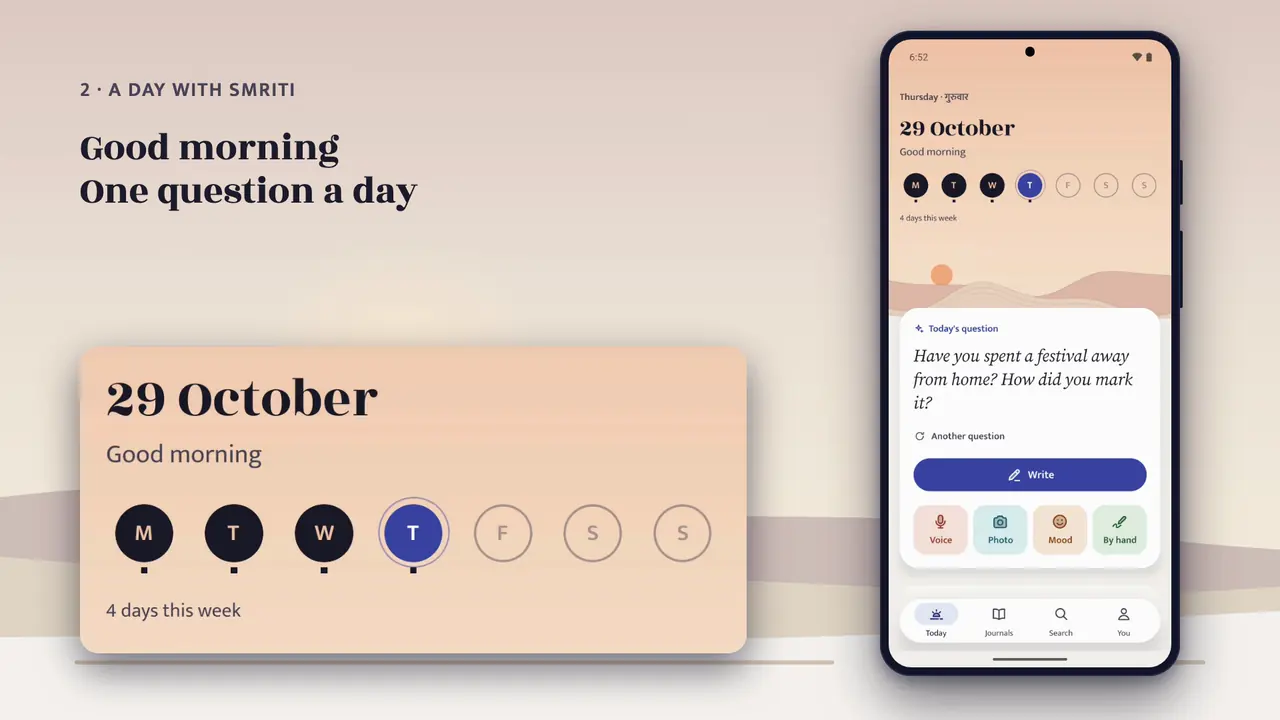
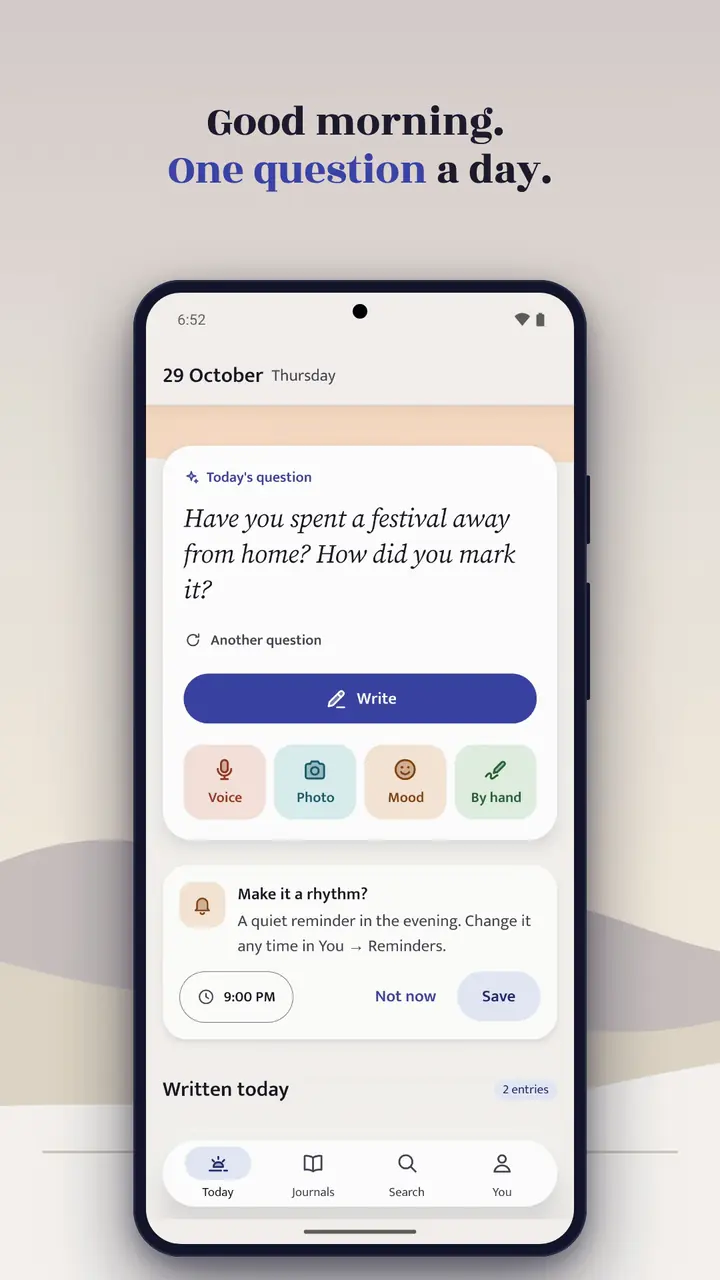
Today opens on a sky that follows the hour, from dawn to night. Your week sits under it as a row of pebbles, filled on the days you wrote. And if the page feels blank, one question is waiting.

  • Write, speak, add a photo or a mood, or write by hand, each one tap away
  • On This Day brings back what you wrote in years before
  • Widgets and shortcuts put a new entry one tap from your home screen

02हिंदी and English

Hindi is not a translation here.

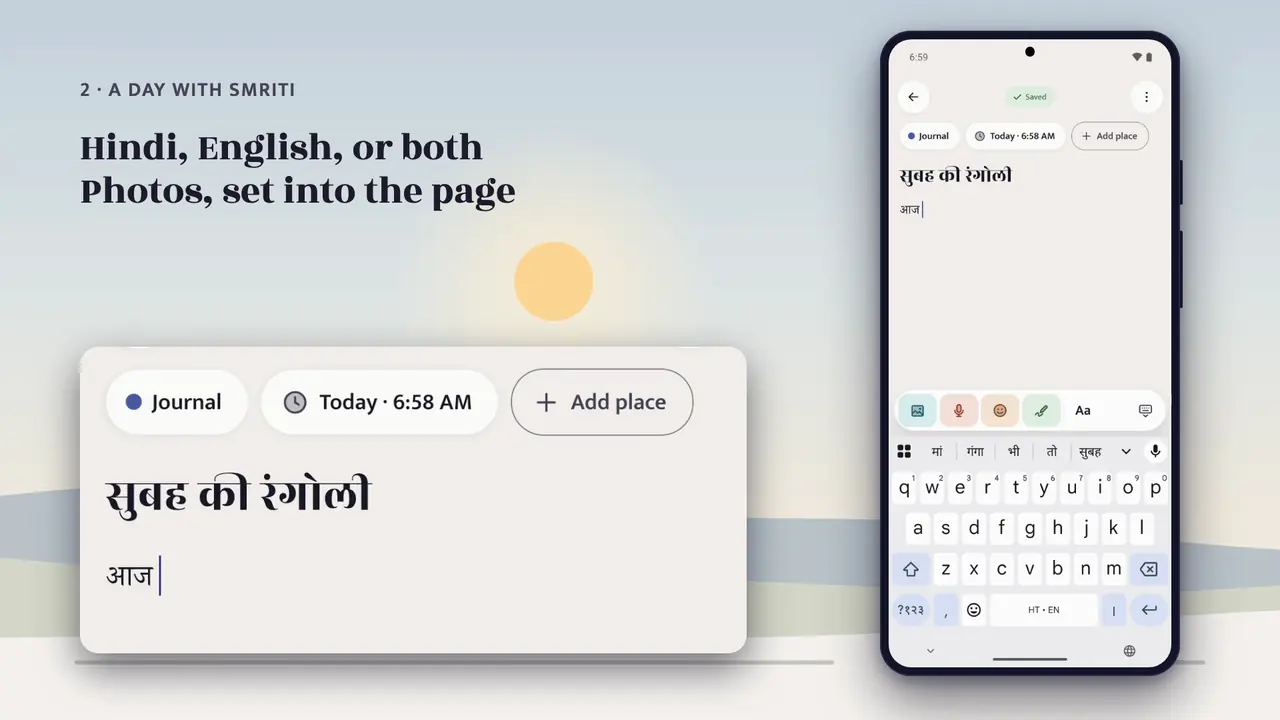
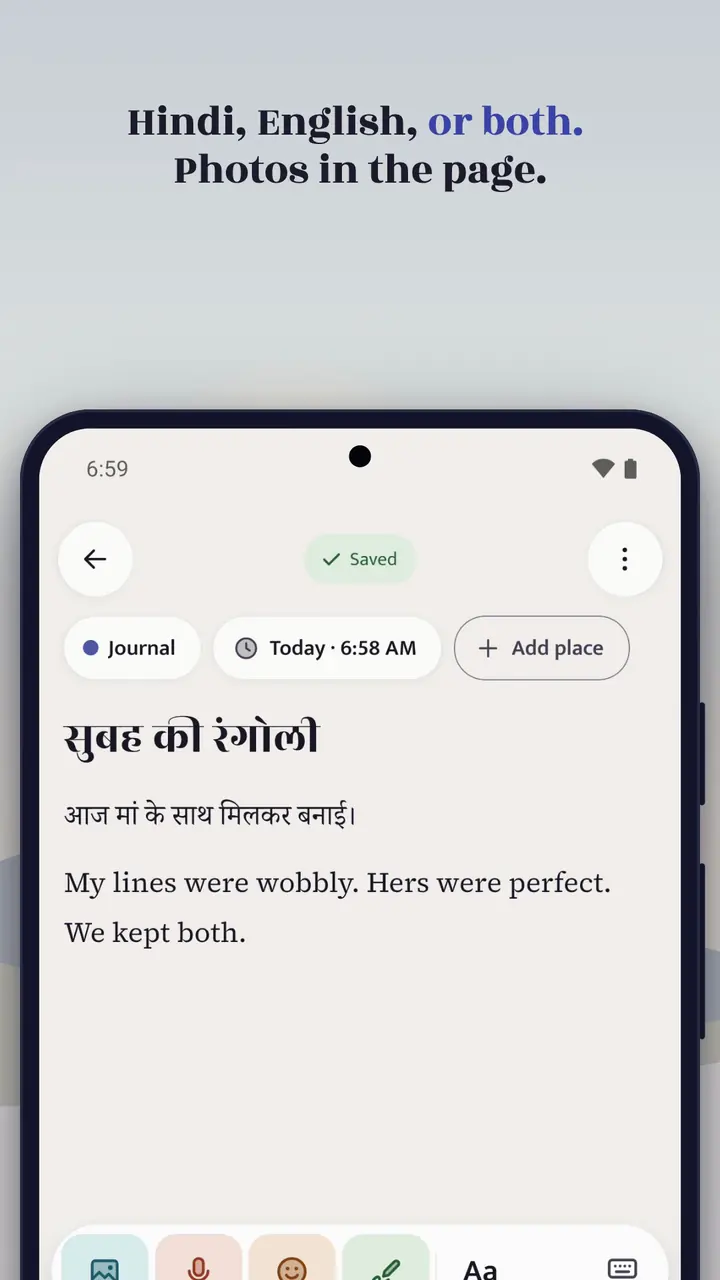
Every screen of Smriti is written in Hindi as well as English, and set in type made for Devanagari. Write in either language, or both in one line. Search finds your words in both.

  • Switch the app’s language at any time
  • Voice to text in Hindi and English
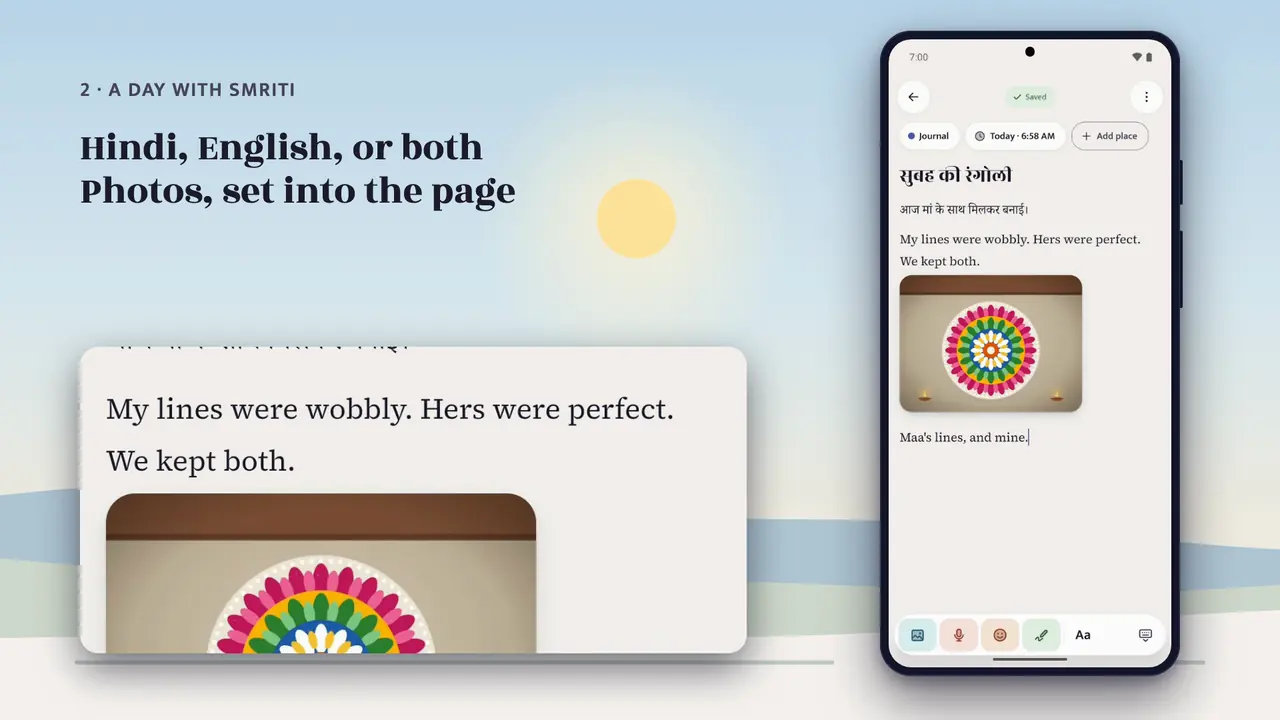
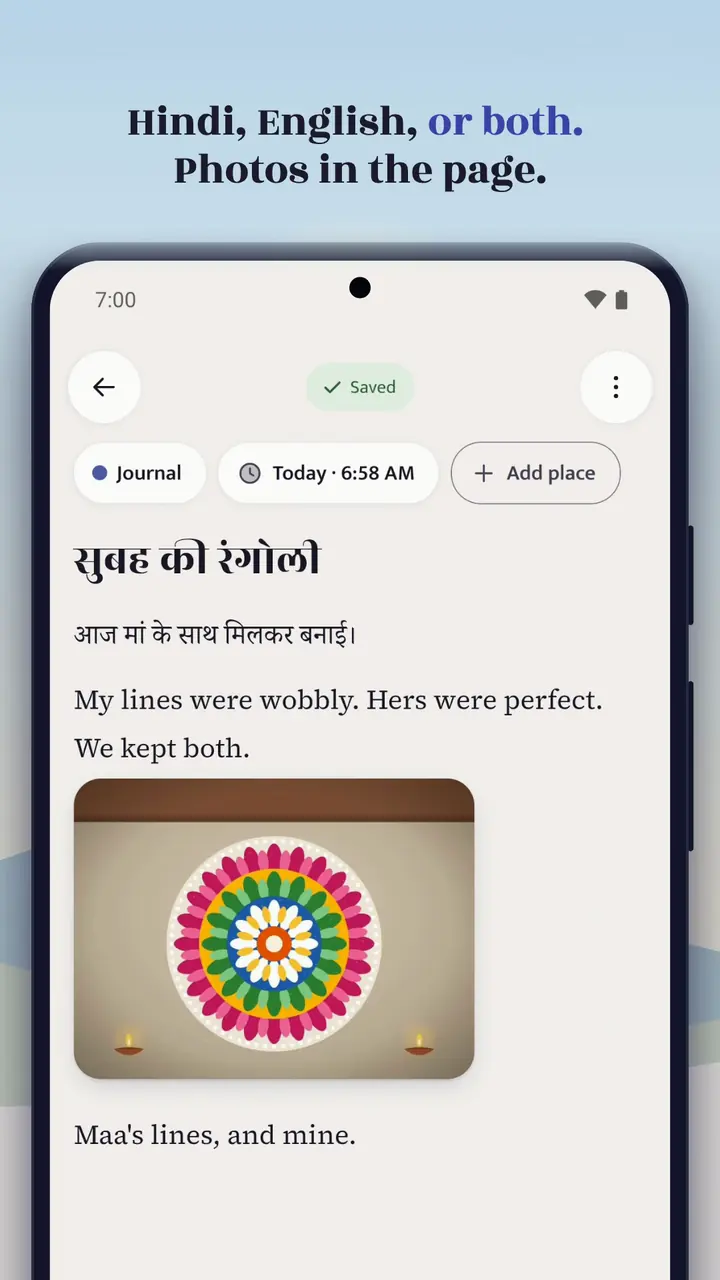
  • Photos set into the page, with captions, crop and rotate

03Voice

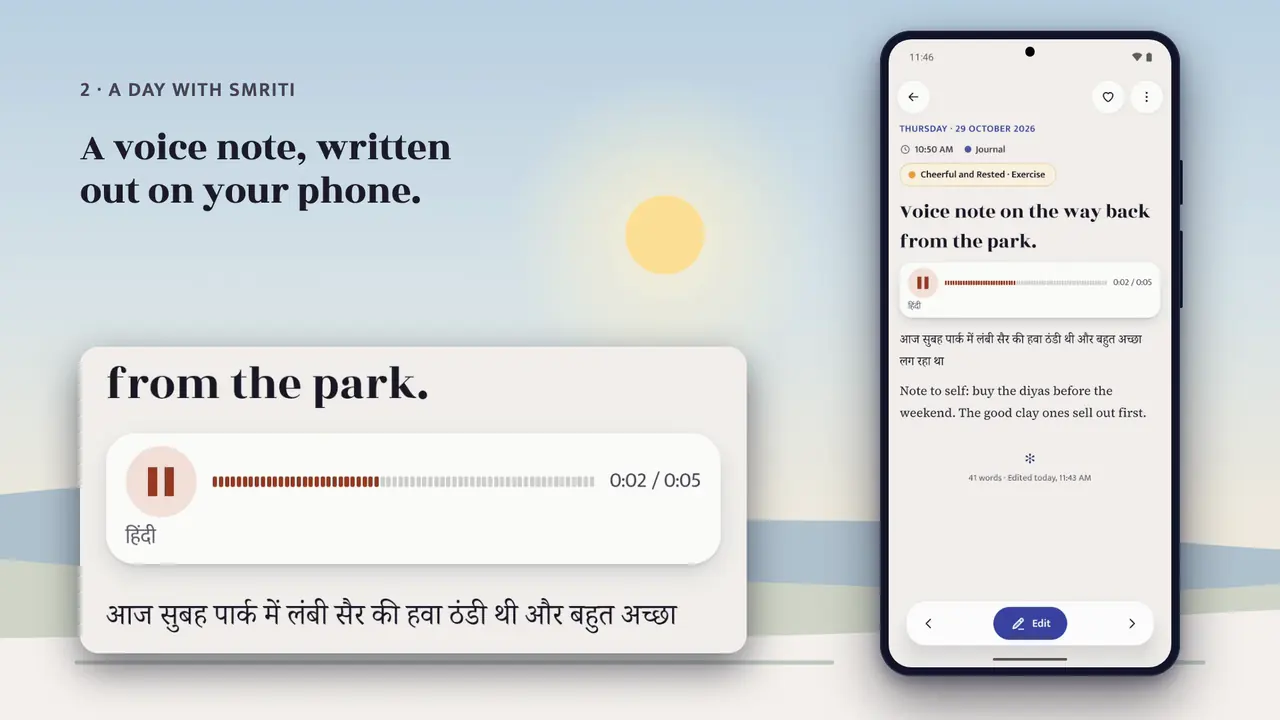
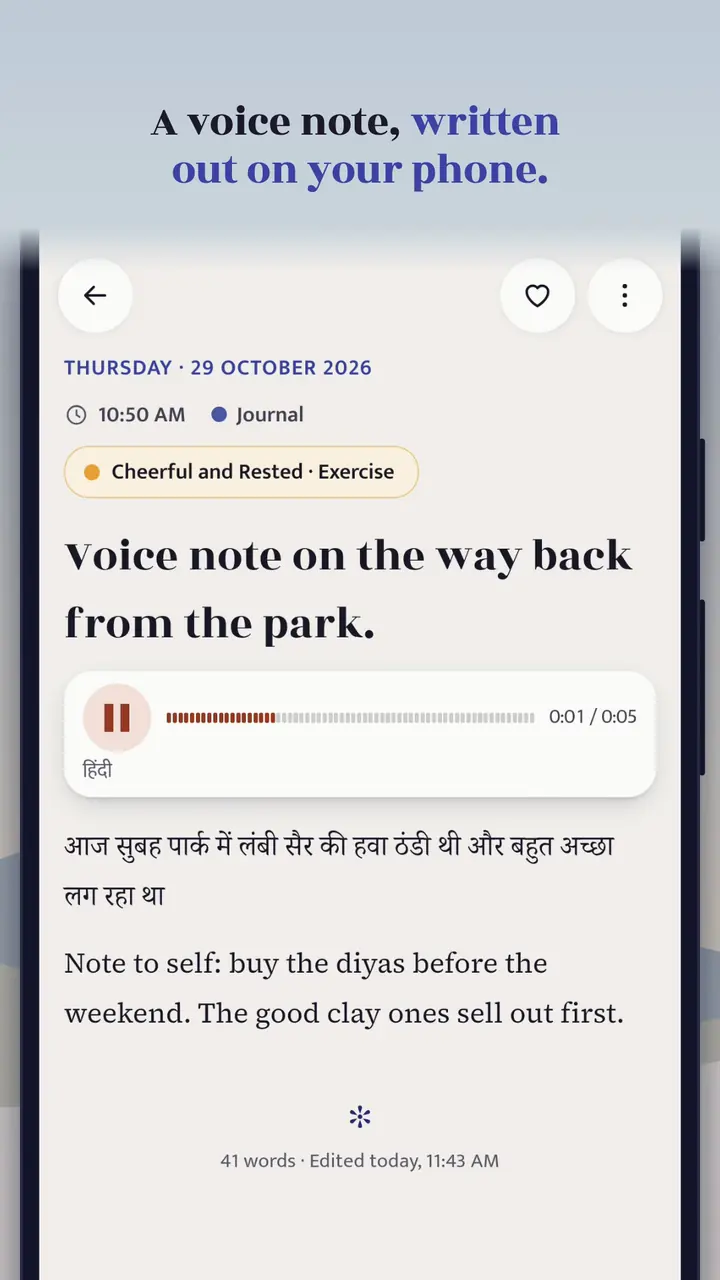
Say it out loud. Smriti writes it down.

Record a voice note and watch your words appear as you speak. Speech recognition runs on your phone, never on a server, and the recording is encrypted like a photo.

  • Auto picks Hindi or English from your keyboard, your phone’s languages and what you write
  • Keeps recording if the screen turns off
  • Words as you speak need Android 13 or later, where the phone supports it

04By hand

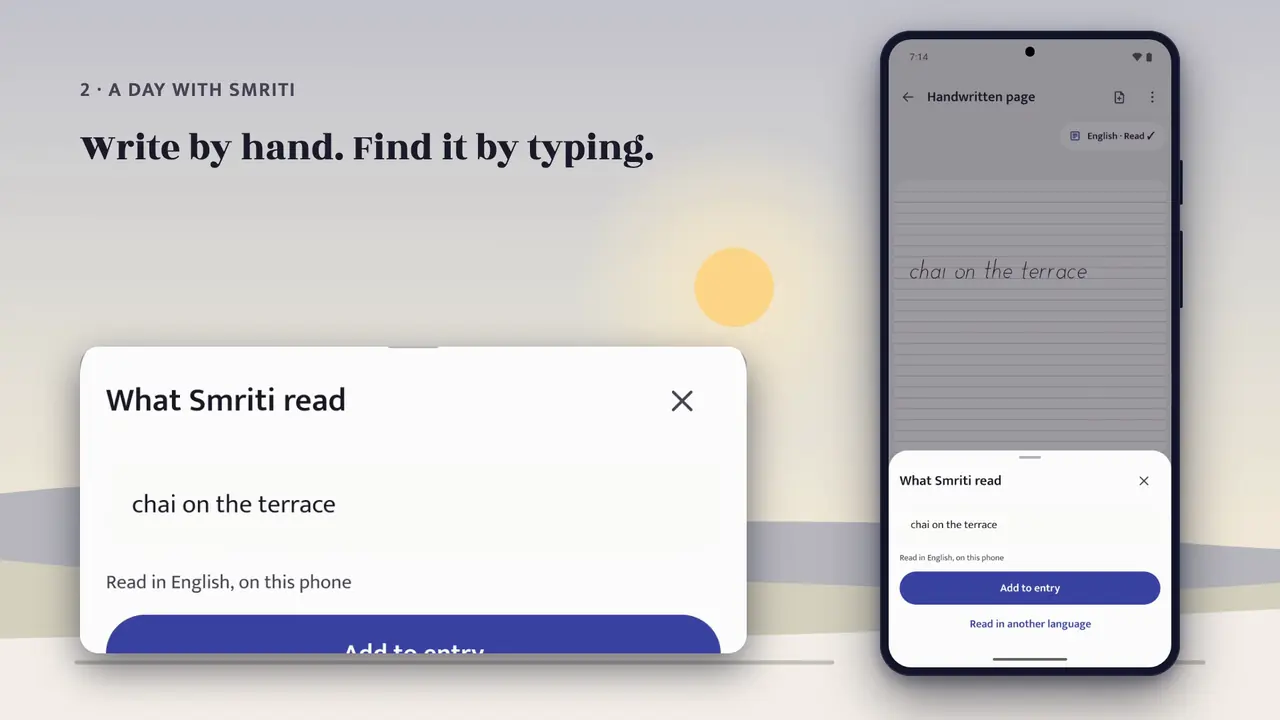
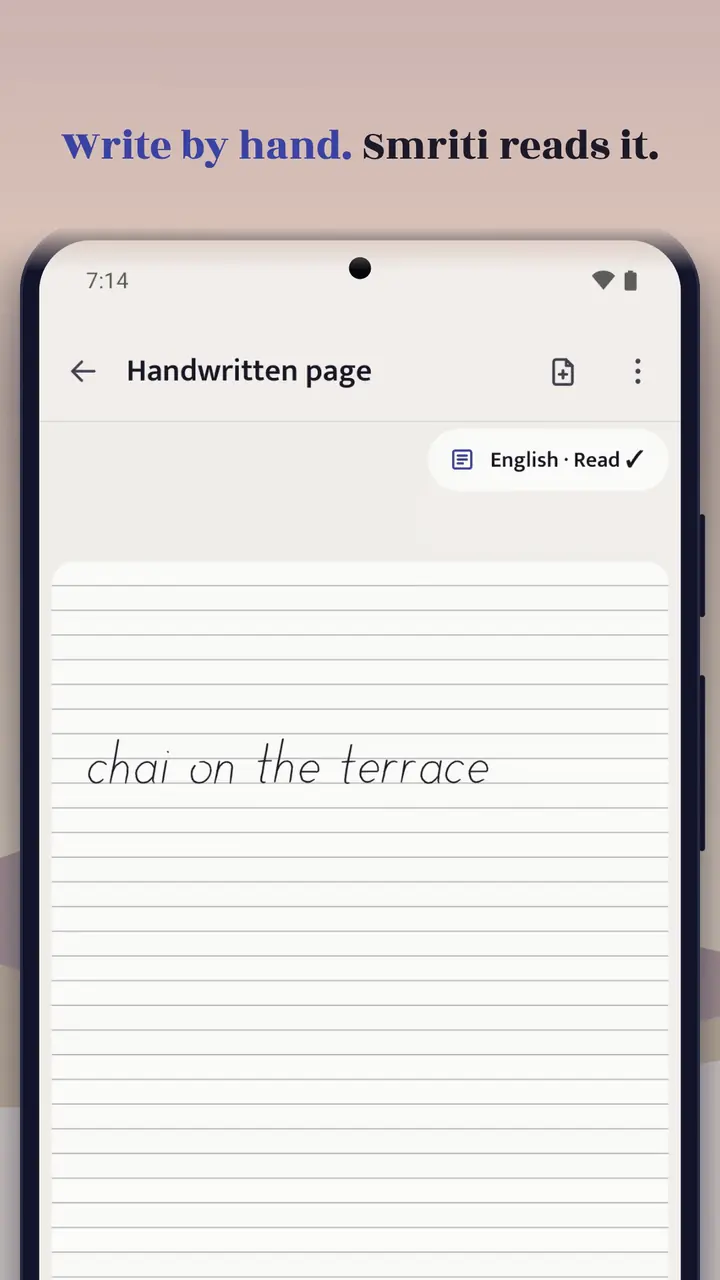
Write by hand. Find it by typing.

Write a page with your finger or a stylus, the way you would in a notebook. Smriti reads your handwriting on your phone, so a search in Hindi or English finds handwritten pages too.

  • Pen, marker and highlighter in colours and sizes, an eraser, and Select to move what you wrote
  • Read on your phone by Google’s ML Kit, after a one-time download for each language
  • Your handwriting and its text never leave your phone

The film

See a day with Smriti

From the first question in the morning to the lock at night. Every screen in it is the real app. Turn the sound on, or read along with captions in Hindi or English.

Chapter 1 of 8Morning

The whole filmNext: Write

Chapter 2 of 8Write

The whole filmNext: Photos

Chapter 3 of 8Photos

The whole filmNext: Voice

Chapter 4 of 8Voice

The whole filmNext: By hand

Chapter 5 of 8By hand

The whole filmNext: Places

Chapter 6 of 8Places

The whole filmNext: Search

Chapter 8 of 8Night

The whole filmThe whole film

Read the narration

Where do you write the things you can’t say out loud?

Most of us in India don’t think in one language.

We think in two, sometimes on the same page.

So we built Smriti.

It means memory.

A journal only you can read.

Smriti is made for the pages we keep: private by design,

at home in Hindi and English, and always ours to take with us.

Smriti is for people in India who want a private record of their life,

in Hindi, English, or both,

mostly in the evening, when the day finally slows down.

Here’s a day.

Morning.

Today opens on a sky that follows the hour.

Your week sits under it, a dot for each day you wrote.

And when the page feels blank, one question is waiting.

On This Day brings back what you wrote on this date, a year ago.

One tap, and you’re writing.

Hindi, English, or both, in the same entry.

The keyboard never covers your words.

Add photos from your gallery, give them a caption,

and they sit right in the page.

Or leave a voice note.

Smriti writes it out, in Hindi or English.

It all happens on your phone.

Your voice is never sent to a server.

Write by hand, with a finger or a stylus.

Smriti reads your handwriting, on the phone,

so you can find it later by typing.

Name the mood.

Forty-eight words, from joyful to tired.

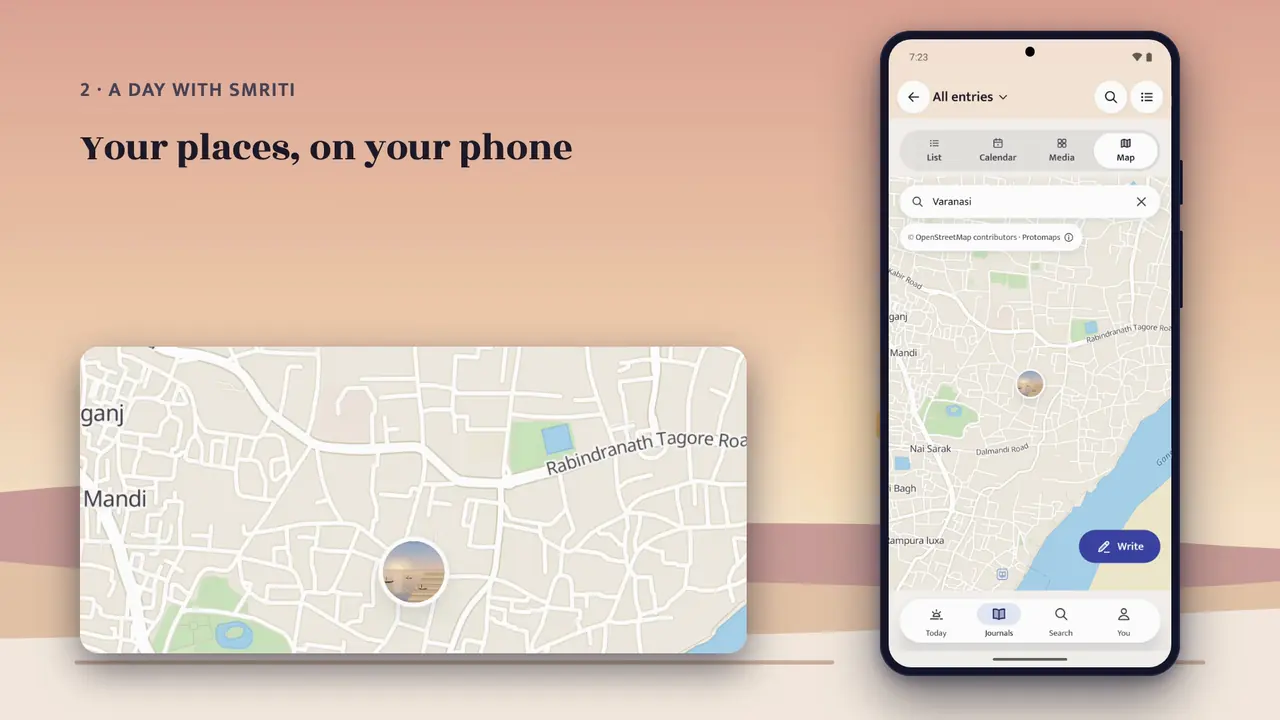
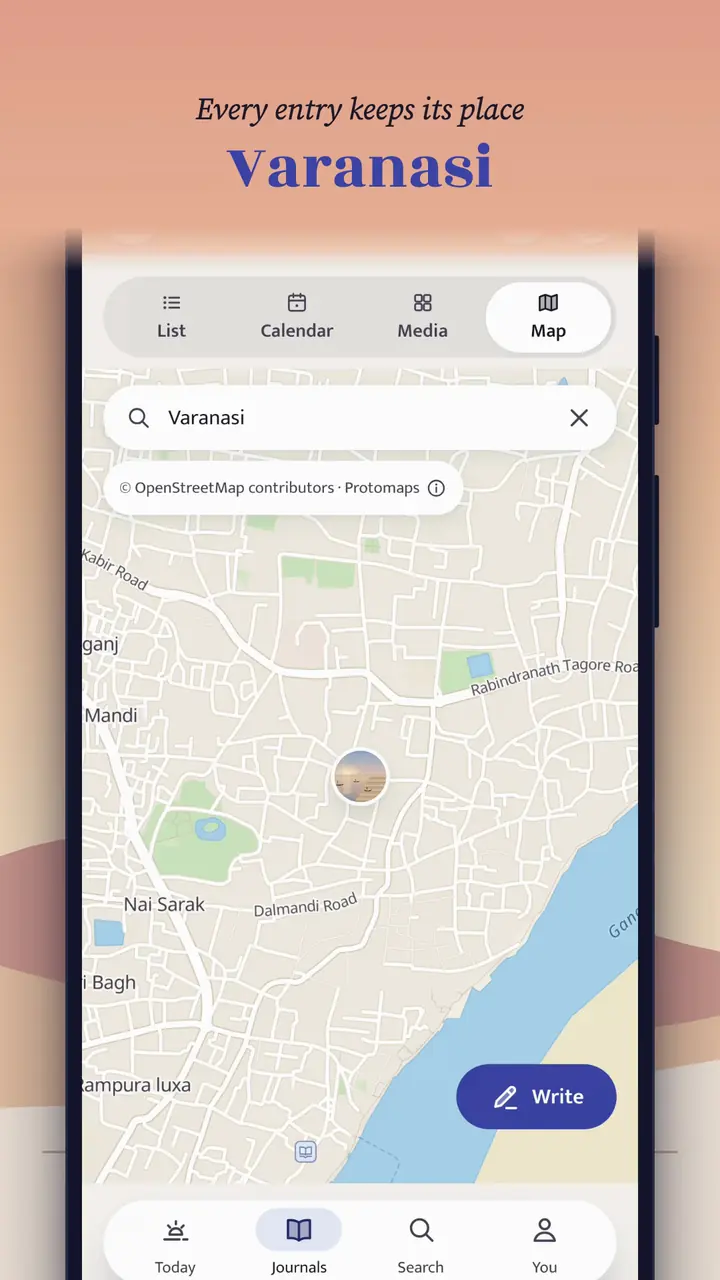
Touch where you are, and the words near you grow.

Every place has its own pin: sunrise on the ghats in Varanasi,

a work week in Dubai, winter at Didi’s in Toronto.

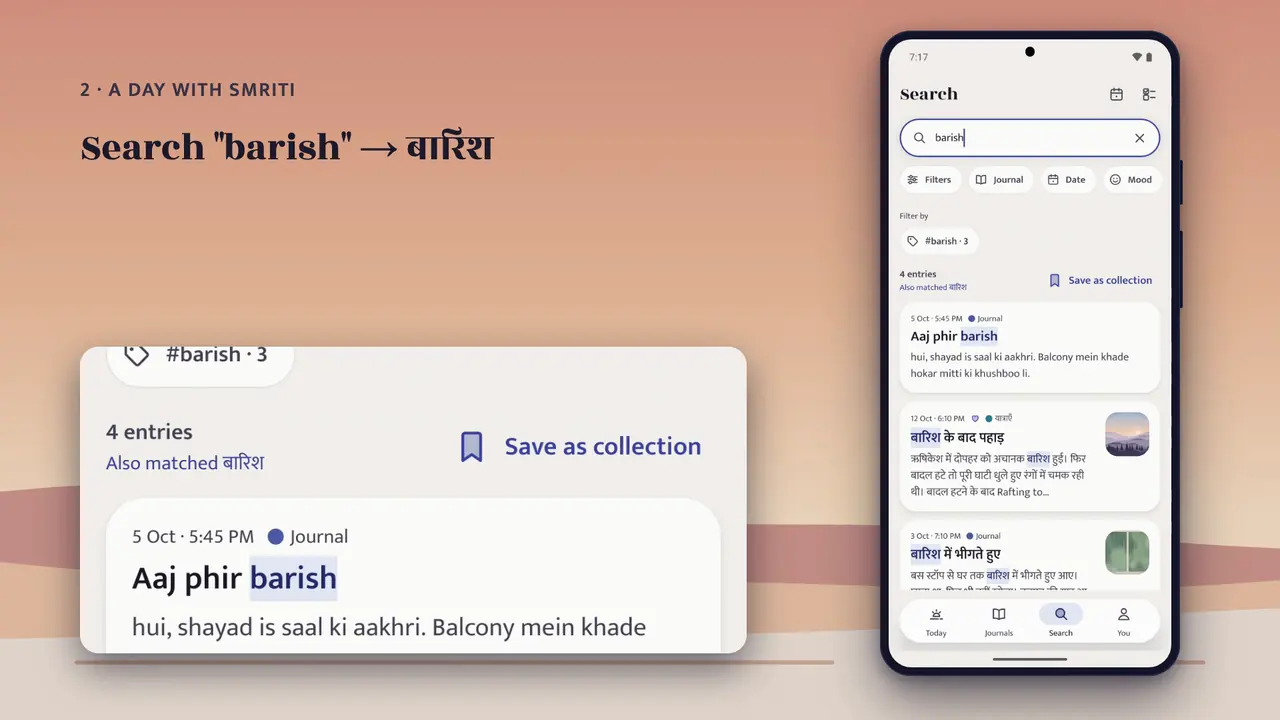
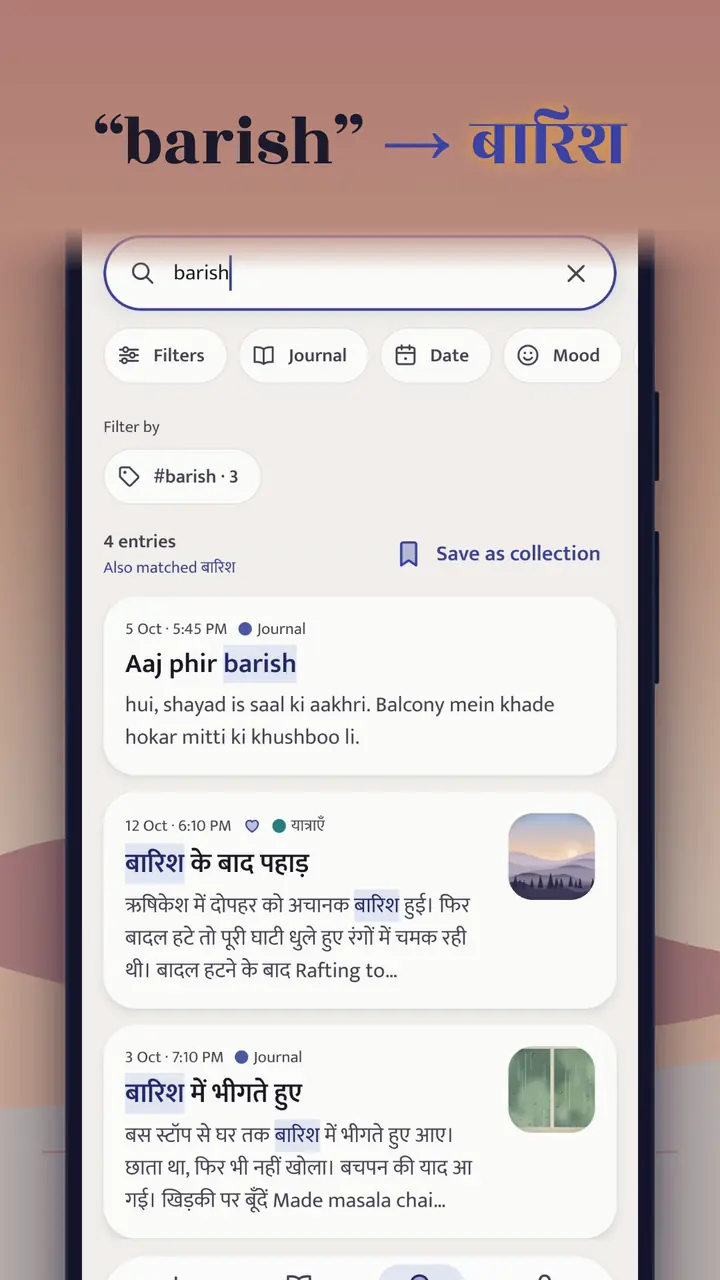
Search understands both scripts.

Type “barish,” and find बारिश.

Places, tags, moods, handwritten pages too.

And search runs on your phone.

Start a journal for every part of life,

in two taps, each with its own cover.

A calendar, every photo and voice note in one place.

And at the end of the week, see how it really felt.

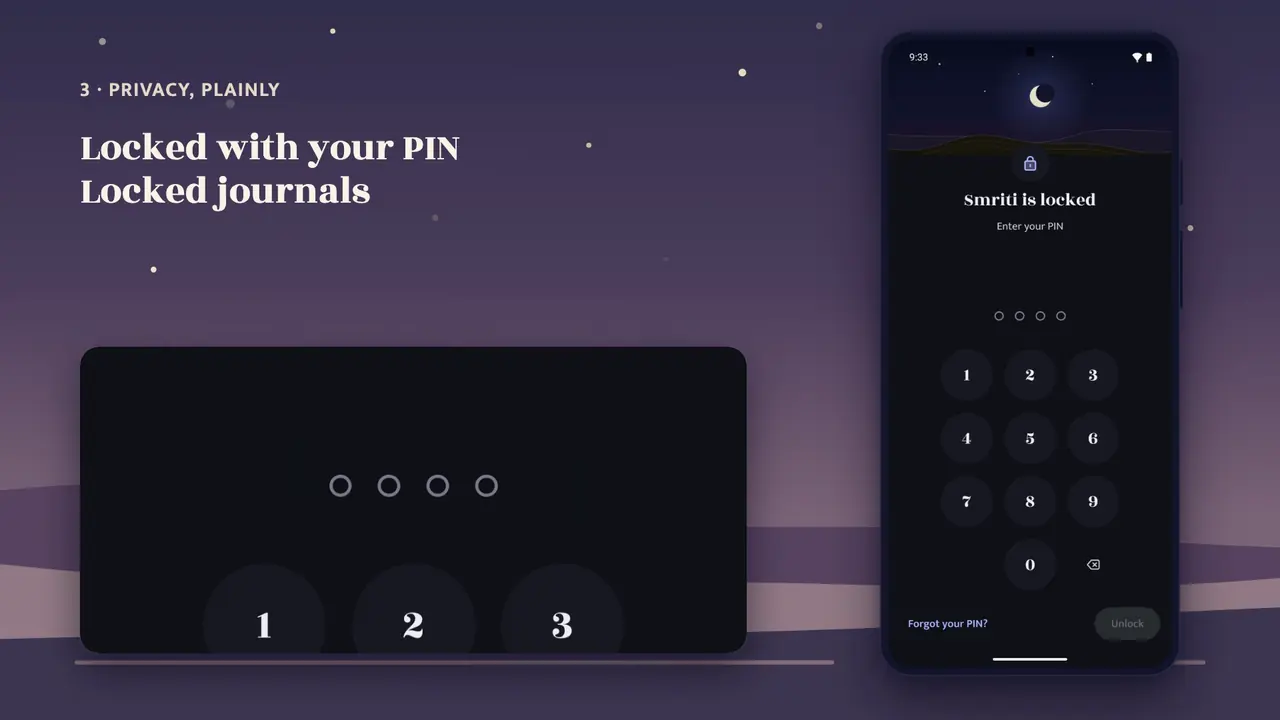
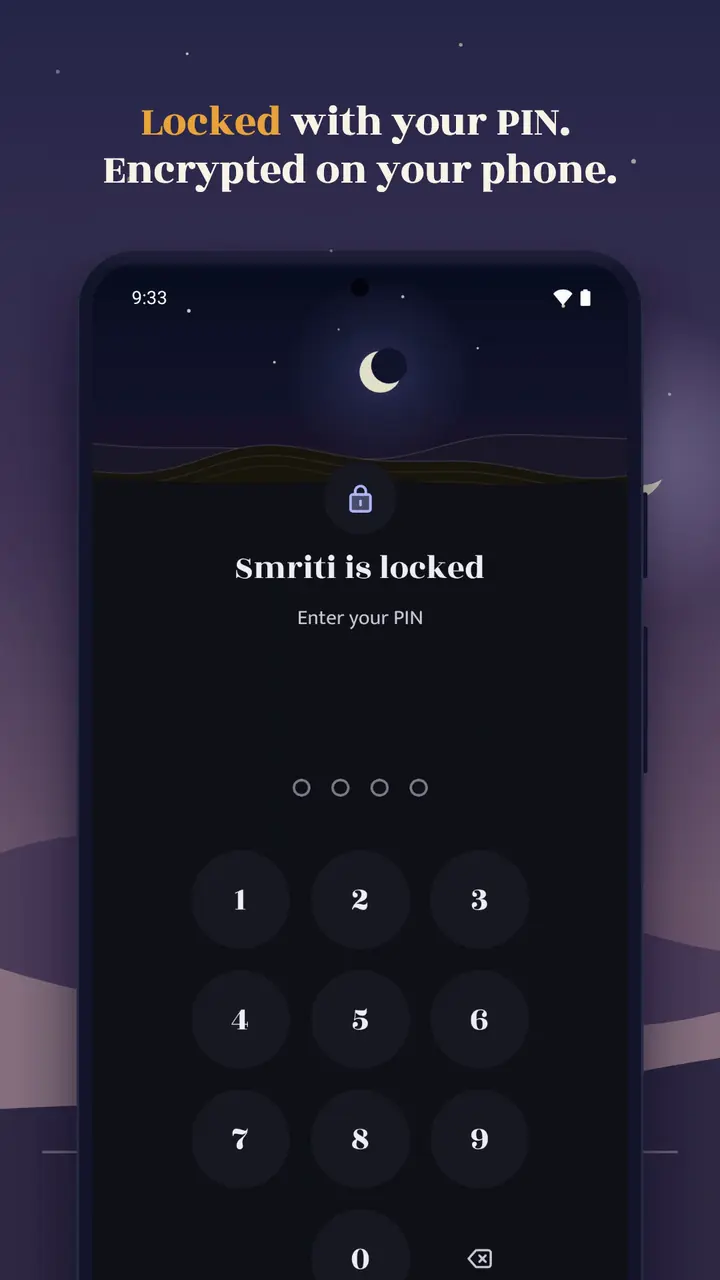
At night, it locks, with your PIN or your fingerprint.

Keep one journal behind its own lock.

Here’s how it works, in plain words.

You write on your phone.

It’s encrypted there, with keys only your devices hold.

Our server stores the locked copy,

and the few facts it needs to sync.

Not your words, not your photos, not your voice.

You don’t even need an account to start.

Sign in only for backup and sync, and if you lose your phone,

your recovery key brings it all back.

Only you hold it.

Export is always free, in formats that open without Smriti.

No ads.

No analytics.

No tracking.

Our encryption has had an internal review;

an independent audit is still to come.

We built it screen by screen.

Hindi is not a translation here:

every screen is written in both, in type made for Devanagari.

It’s made for the phones people actually use,

three-button navigation and all.

Light and dark, and large text.

So why Smriti?

A diary in a drawer can be read by anyone who finds it.

A notes app keeps notes.

Smriti keeps your days: written for Hindi and English,

encrypted on your phone from the first word,

and every feature free for the first year.

Why now?

Hindi is the first language of more people in India than any other.

And phones can finally understand speech and handwriting on the phone itself,

so privacy no longer costs you features.

Next: writing on your PDFs,

street-level maps in more countries, and, later, iPhone.

Smriti is free for the first year,

and in early testing on Android now.

Join the test, use it for a week, and tell us how it felt.

And if this is a problem you care about, write to us.

Your days are worth remembering.

In your own words.

Music: “Breathe” by Shane Ivers (silvermansound.com), licensed under CC BY 4.0.

The small things

One morning, and everything on its page.

THURSDAY · 29 OCTOBER 2026

5:40 AM · Journal · Jaipur

Calm and Grateful · Family and Home

सूरज निकलने से पहले छत पर चाय पी। हवा में हल्की ठंडक थी, और नीचे गली में दूधवाले की साइकिल की घंटी बज रही थी।

Diwali is ten days away. Started stringing the marigold toran for the front door.

A glass of chai on a terrace wall.
सुबह की चाय
A marigold toran on a blue door.
गेंदे का तोरण
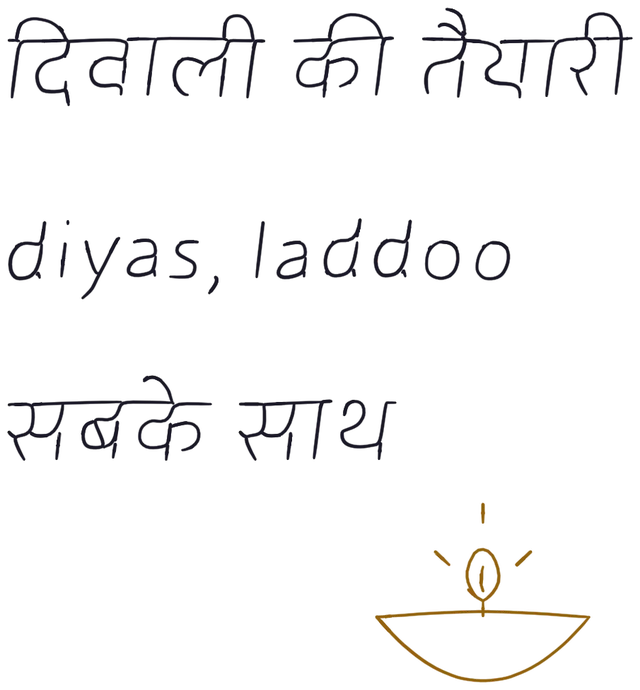
A page written by hand: दिवाली की तैयारी, diyas, laddoo, सबके साथ, and a small drawn diya.

Everything in its place

Built like a journal you keep for years.

The quiet tools that make a journal worth returning to, all on your phone.

  1. Day one

    Bring your journal

    Import from Day One, Journey or a folder of Markdown files.

  2. Every day

    Questions and templates

    A new question each day when the page feels blank, and 30 templates for days that need a shape.

    Share into Smriti

    Send a photo, link or text from any app straight into a new entry.

  3. A month in

    Calendar and media

    See your year as a calendar, and every photo, video and voice note in one place.

  4. A year in

    Journals with covers

    Keep separate journals for travel, work or family, each with a cover from its own photos.

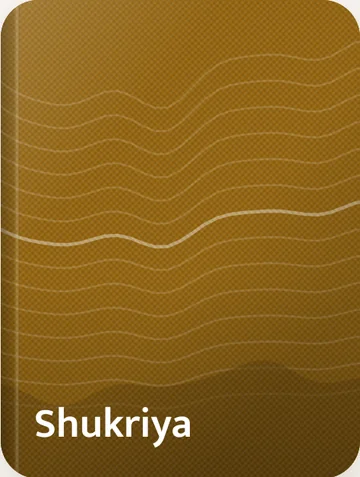
    Two journal covers from the app, Journal and Shukriya.
  5. The bad day

    Nothing lost by accident

    Earlier versions of each entry are kept for 90 days. Deleted entries wait 30 days in Trash.

Privacy, plainly

Built so that we cannot read it.

Smriti encrypts your journal on your phone, with keys only your devices hold. Our server stores the locked copies and the few facts it needs to sync them. Nothing else.

Here is one entry, twice. First what you see, then everything we hold.

On your phone

THURSDAY · 5 NOVEMBER 2026

बारिश आज जल्दी आ गई,

On our server

id
01a1ab21-4e90-729a-9220-09e77def89e0
journal_id
01a1ab1d-20df-73b9-98e4-a7dce8d6dedb
device_id
01a1ab3c-9ec4-723f-bd56-a9ca2b841cee
revision
37
updated_at
2026-11-05T10:25:53.221Z
alg
xc20p1305

We can read the lines above: which entry, when, from which device.

Your words are in here. We can’t read them.

A test entry we wrote for this page. The second one is what our database stored, unedited.

Only you can see

Encrypted before it leaves your phone.

  • What you write: text, titles, dates, tags, moods, places
  • Journal names, colours and settings
  • Photos, videos and voice notes
  • Templates you use, your searches, your reminders
  • Your keys

What our server can see

The least it needs to run your account.

  • Your email address and how you sign in
  • Your devices’ type, such as Android, and when each was last seen
  • IDs, sizes and upload times of encrypted items, and when each entry was made
  • Roughly how much storage you use
  • IP addresses, briefly, to stop abuse; never written to logs

No account is needed to start: your journal then stays on your phone and nothing you write is sent anywhere. With an account, you get backup and sync, and a recovery key that only you hold. If you lose every phone, their Google backup and your recovery key, no one can open your entries, including us. Our encryption has had an internal review, not yet an independent audit. Every detail is in the privacy policy.

Price

Free

for the first year after launch.

Every feature, for everyone. If paid plans come later, for example for more storage, you will hear about it in the app at least 30 days before, and nothing is charged unless you choose a plan.

  • No ads in Smriti
  • Up to 2 GB of photos, videos and voice notes per account
  • Export is always free, in formats that open without Smriti

Why Smriti

Smriti means memory. I made it for the pages you keep: private by design, at home in Hindi and English, and always yours to take with you.

— Abhishek, who makes Smriti

Questions

Good to know

Anything else? Write to hello@smritijournal.com. We read every email.

When can I get Smriti?

It’s in early testing on Android now. Join the test and we’ll send you the install link; the public release on Google Play follows after testing.

Is there an iPhone version?

Not yet, but it’s coming. We’re building versions for iPhone and iPad now. There’s no date yet.

Do I need an account?

No. You can write without signing in; your journal then stays on that phone, encrypted, and nothing you write is sent to us. An account (email, or Google) adds backup and sync between your phones.

Can Smriti read my journal?

No. Your entries, photos and voice notes are encrypted on your phone with keys we don’t have. Our server stores only the encrypted copies. The privacy policy lists exactly what it can see.

What happens if I lose my phone?

With an account, sign in on your new phone and open your journal with your Google backup (where your phone supports it) or your recovery key. Without an account, the journal lived only on the old phone, so please export from time to time.

Does voice typing send my voice anywhere?

No. Words as you speak use your phone’s own on-device speech recognition (Android 13 and later, where the phone supports it). Smriti never uses a cloud recogniser. Recordings are encrypted like photos.

Can I bring entries from another app?

Yes. Smriti imports Day One and Journey exports, and folders of Markdown files. You can export from Smriti at any time as JSON with media, Markdown or PDF.

Can I write by hand?

Yes. Write a page with your finger or a stylus, and search your handwriting in Hindi or English. Smriti reads it on your phone with Google’s ML Kit, after a one-time download of a handwriting model for each language. Your handwriting and its text never leave your phone. The privacy policy says exactly what the download and ML Kit send to Google.

Is Smriti a mental-health service?

No. Smriti is a journal for reflection, not medical care. If you are struggling, please talk to someone you trust or to a professional. In India you can call Tele-MANAS on 14416 at any time.

Begin with one line.

Smriti is coming soon to Google Play. Until then, read how it keeps your words private.

Android only. Join with the Google account on your phone, and we’ll send you the install link.

Coming soon to Google Play